
How to Customize a Life Story Question
Storii provides users with the flexibility to personalize their experience by editing existing questions in its database or adding new custom questions. This guide outlines the steps to customize an existing question and to add a new question, ensuring that your storytelling experience is tailored to you or your loved ones.
How to Customize an Existing Question
To modify a question that is already in the Storii database, follow these steps:
Sign in to your Storii account.
Click on the Profile of the storyteller located on the left side of the screen.
Select any category and/or subcategory of questions.
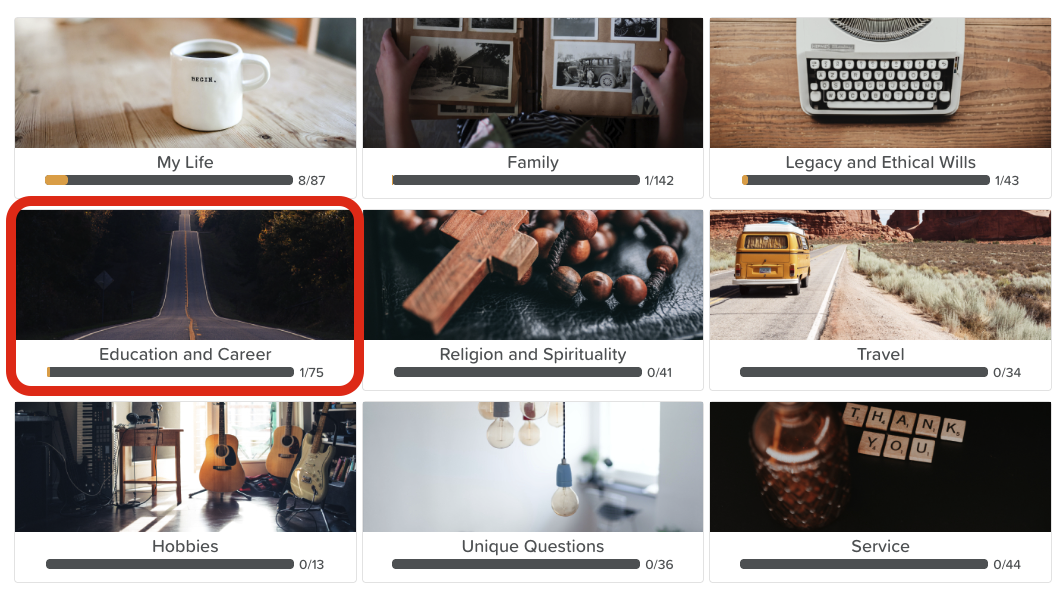
Choose the question you wish to edit.
Click on the Edit button in the top right corner.

Make the necessary changes to the question.
Scroll to the bottom of the page and click Save.
How to Add a New Question
If you would like to add a new question to the database, please follow these instructions:
Sign in to your Storii account.
Click on the Profile of the storyteller located on the left side of the screen.
Click on the Upcoming Questions button.

Click the +Add new question button.

Select a category for your new question.
Decide how you want to input the question: you can type it, record yourself asking it directly on Storii, or upload an audio file of someone asking the question.
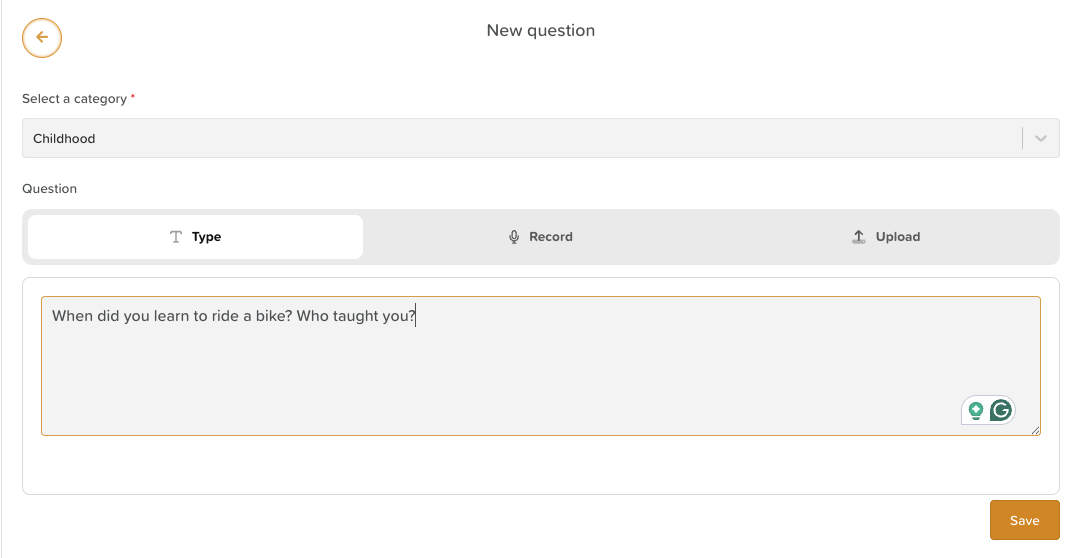
Once you have finished, click Save.
Your new question will be automatically added to the top of the Upcoming Questions list. You can click the arrow cross to reorder the questions according to your preference.