
Recording or Uploading Custom Question Audio in Storii
Storii now allows you to personalise the questions asked during a storytelling call by recording your own voice or uploading an audio file directly within the platform. This means a grandchild, family member, or caregiver can ask life story questions in their own voice — making the experience feel more personal and meaningful for the storyteller.
Note: Questions are limited to 120 words or 15 seconds of audio.
Adding a New Question to the Database
Sign in to your Storii account.
Click on the Profile of the storyteller located on the left side of the screen.
Click the Upcoming Questions button.

Click the + Add New Question button.

Select a category for your new question.
Choose how you would like to input the question — either record yourself asking it directly within Storii, or upload an audio file of someone asking the question.
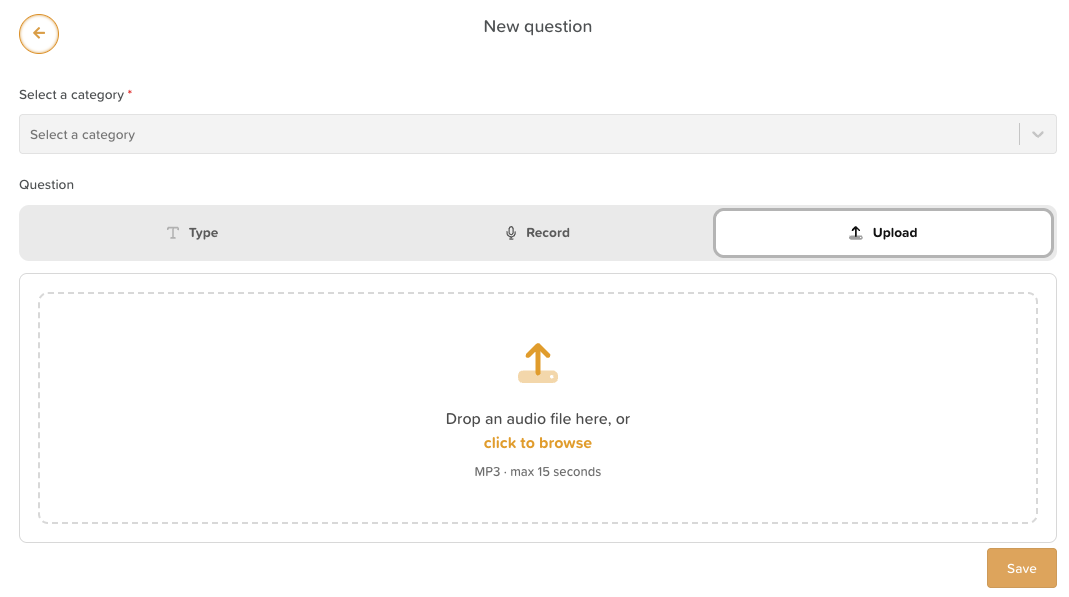
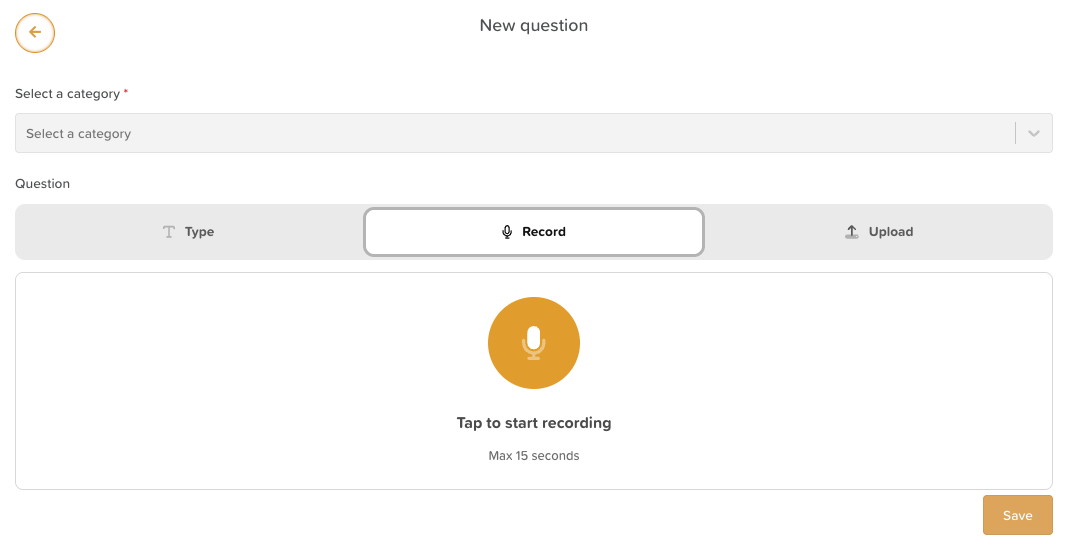
Once you have finished, click Save.
Your new question will automatically be added to the top of the Upcoming Questions list. To reorder your questions, click the arrow cross icon and drag them into your preferred order.